
WPImperium

File Manager

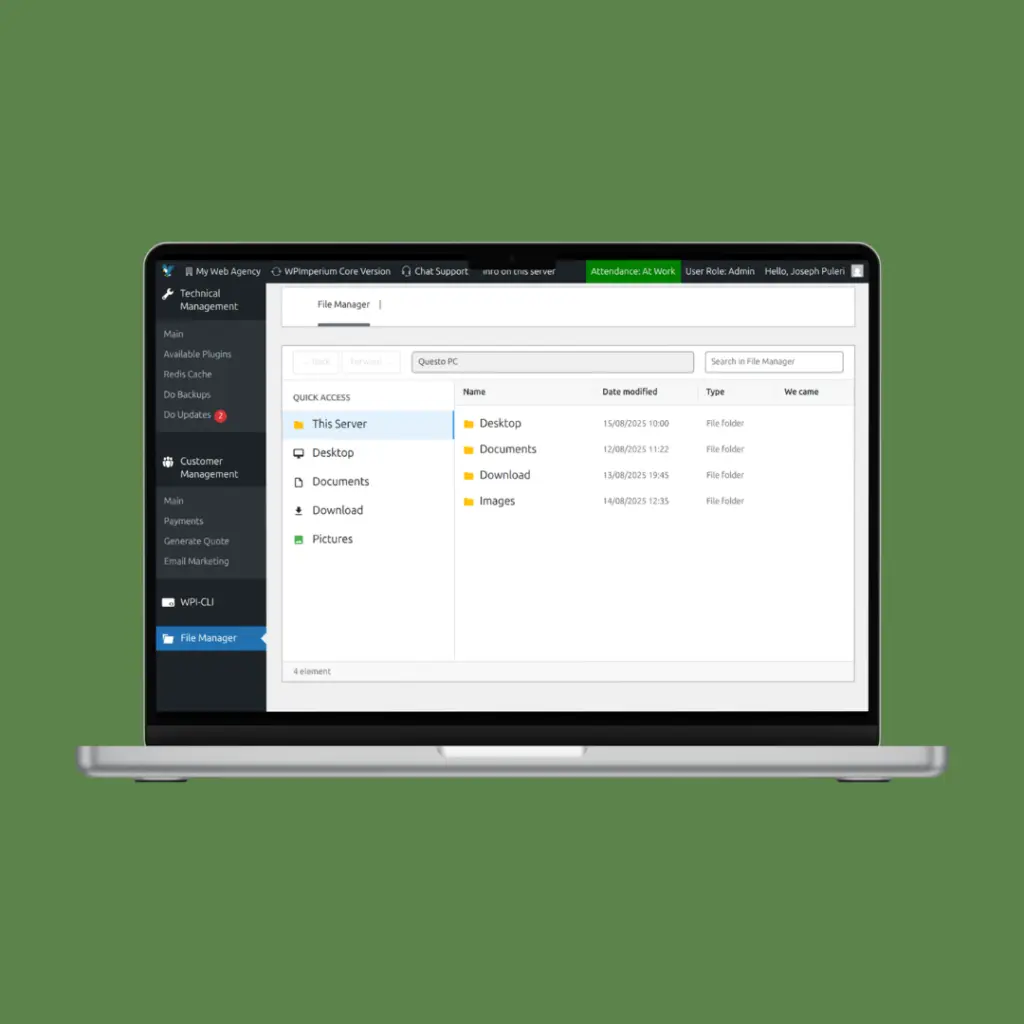
file manager image

/File Manager

The File Manager section provides a centralized document workspace inside WPImperium, designed to simplify internal collaboration and file organization. It offers an interface similar to Windows Explorer.

The File Manager page allows authorized users to:

  • Upload documents, images, and any type of file
  • Create folders and subfolders
  • Organize files in a structured directory tree
  • Navigate through folders with an Explorer-style UI
  • Share files internally within the platform

Admins can also:

  • Create folders visible to all users
  • Create restricted folders visible only to specific user groups
  • Control access based on roles and permissions

Automatic Document Storage

System-generated documents are automatically stored inside the File Manager in a clean and transparent structure.

Examples include:

  • Generated quotes
  • XML files for accountants
  • Staff reports
  • Customer-related documents

Files are organized by date (year/month) to ensure:

  • Clear chronological structure
  • Easy retrieval
  • Scalable long-term storage
  • Transparent audit tracking


 Purpose

The File Manager acts as a unified document repository for the entire platform, connecting:

  • Customer Management (quotes, contracts, billing files)
  • Staff (attendance XML and reports)
  • Technical Management (backups, logs if enabled)

This creates a centralized, structured, and role-controlled digital workspace inside WPImperium.

Torna in alto