WPImperium

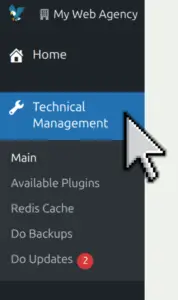
Technical Management

The Technical Management section is the main control area for developers, providing tools to manage the technical aspects of WordPress sites registered on the platform. There are other aspects like Customer Management or Staff.

In this section you will find:

  • technical-management/main
  • technical-management/available-plugins
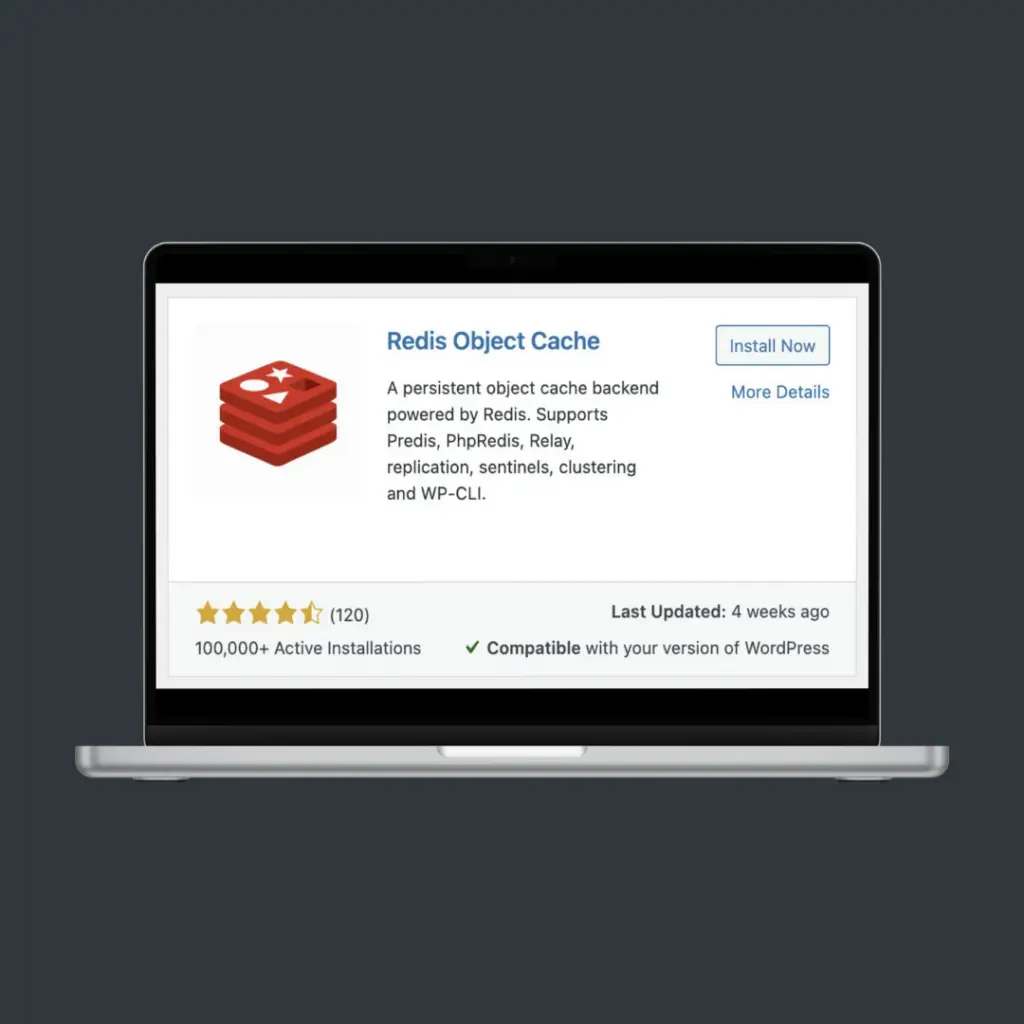
  • technical-management/redis-cache
  • technical-management/backups
  • technical-management/updates

Statistics and reporting sections are always available and documented. We have chosen this separation of concepts for better management.

technical management menu
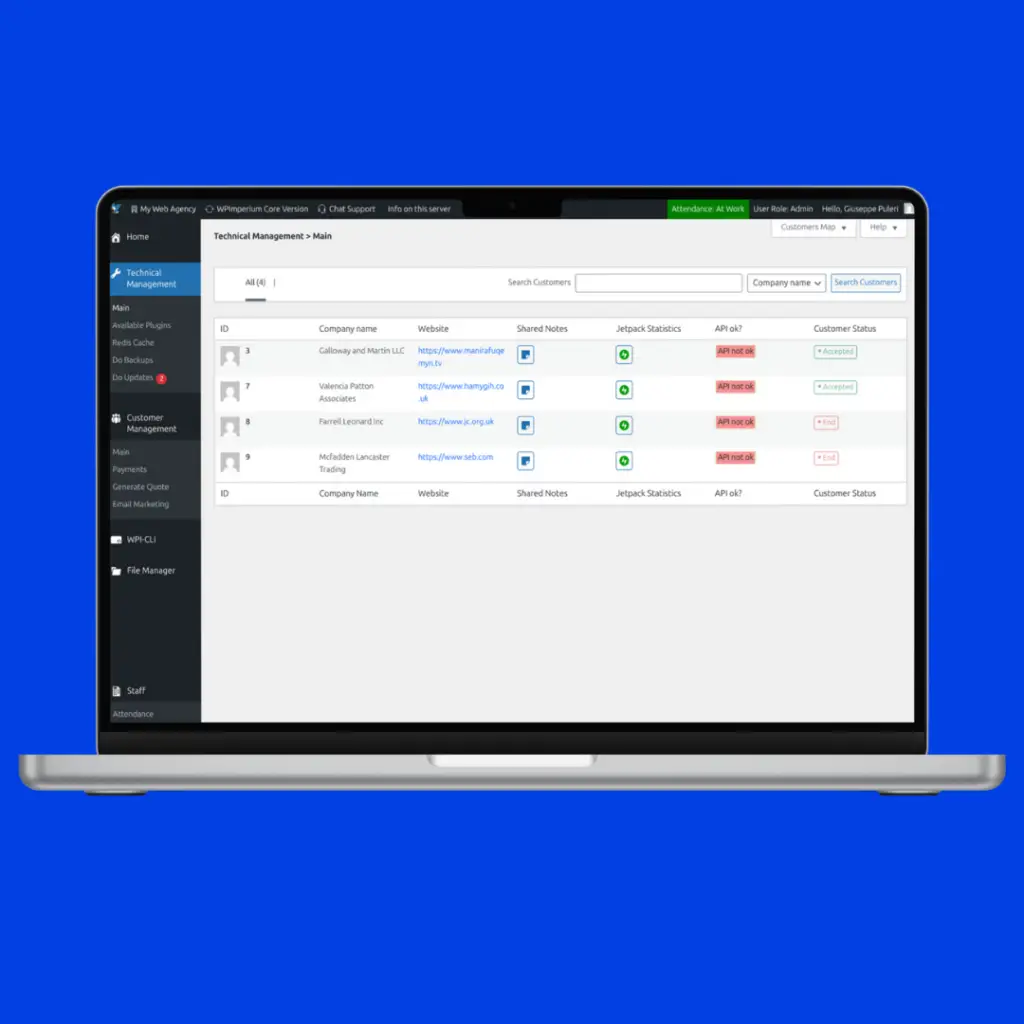
Wpimperium technical management main page

/main

The Technical Management main page allows developers to perform controlled CRUD operations on WordPress-related customers:

  • Read: View only authorized WordPress customers and inspect their full technical configuration.

  • Update: Modify customer data, role assignments, API settings, and connected service configurations.

  • Create (partial): Add new technical services to an existing customer.

  • Delete (partial): Remove technical services, while customer records themselves cannot be deleted.

This approach ensures a clear separation of responsibilities, keeping customer creation and lifecycle management separate from technical operations, while preserving data integrity and role-based access control.
/available-plugins

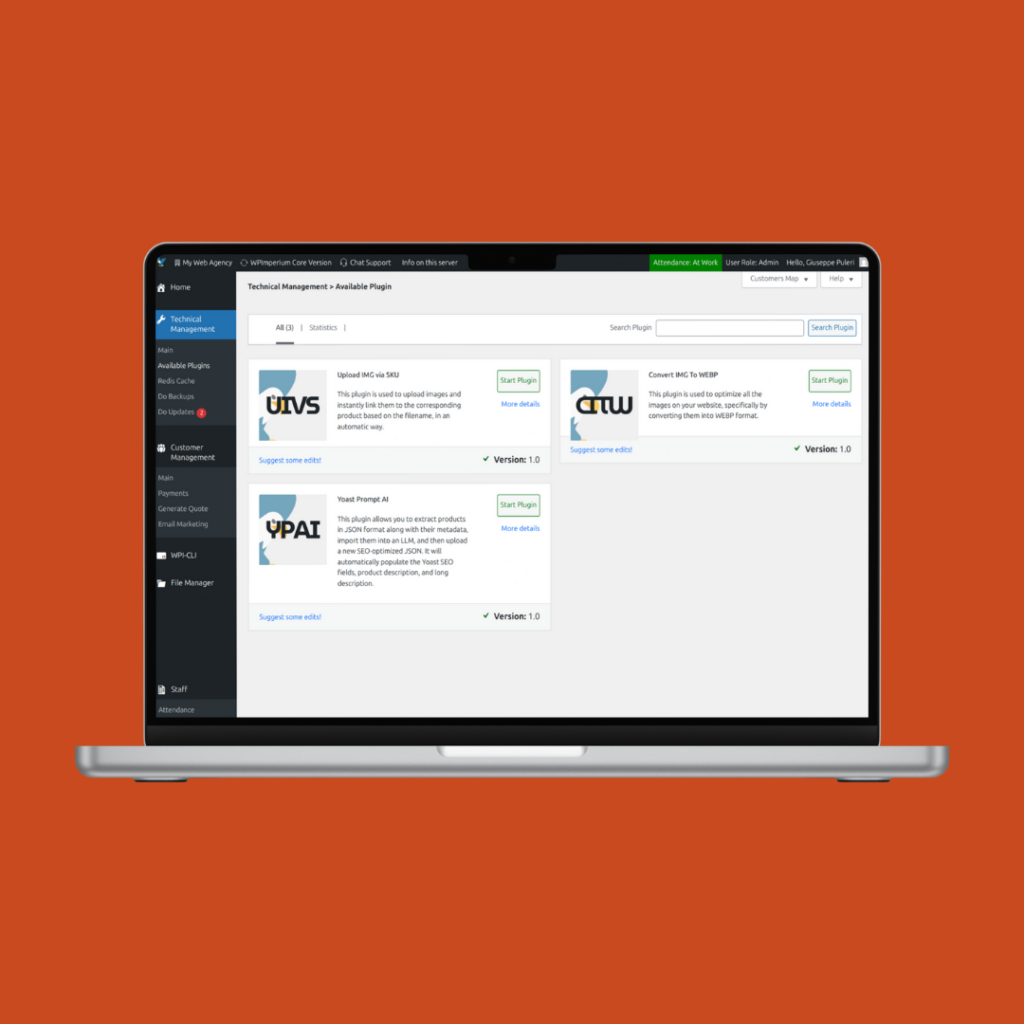
This section allows developers to perform bulk technical operations across multiple managed WordPress sites.

Available features include:

  • Image optimization to WebP to reduce file size and improve page load performance.

  • SEO optimization, including metadata editing, keyword management, and SEO improvements.

  • Background removal for images, particularly useful for e-commerce product catalogs.

  • AI-based product description optimization, generating SEO-friendly and engaging content automatically.

  • One-click GDPR document generation for all managed websites, simplifying compliance.

technical managament bulk plugins section


Developers have the ability to perform bulk operations on the WordPress sites registered on the platform.

WPImperium communicates with each site through proprietary APIs (WPI-API) that are easy to configure.

Technical Managment Redis cache

Overall, remote Redis is well suited for object caching and shared application data, while local caches are still preferable for full-page caching. When properly placed on a low-latency network and correctly sized, this architecture offers a strong balance between performance, scalability, and maintainability.

/redis-cache (BETA)

Technical Management Redis Cache section allows users (developer) to manage cache or CDN.

Using a centralized Redis server with multiple instances to serve cache data to several WordPress sites on different machines is a valid and commonly used architecture, especially in professional and cloud environments.

In this setup, data is still stored in RAM, so it remains much faster than disk-based caching. However, because Redis is accessed over the network, each request introduces network latency. If the Redis server and the WordPress servers are in the same datacenter or private network, this latency is usually very low and Redis remains significantly faster than any filesystem-based cache. If Redis is accessed over the public internet, performance can degrade and partially reduce its advantages.

Centralizing Redis provides clear benefits: shared cache across servers, better cache consistency, easier scaling of WordPress nodes, and simplified cache management. On the other hand, it introduces new considerations such as network dependency, potential single point of failure, and resource contention if too many Redis instances run on the same machine.

/backups and /updates

Technical Management Backups and Updates sections allows users (developer) to manage this features in just one click.

You can save the backup before updating. You can set up the automatic script with our Command Line Interface (WPI-CLI). Backups will be stored on the server and can be downloaded whenever you want.

You can also schedule the backup frequency (weekly, monthly, quarterly) during configuration.


Bulk Backup And Updates in WPImperium
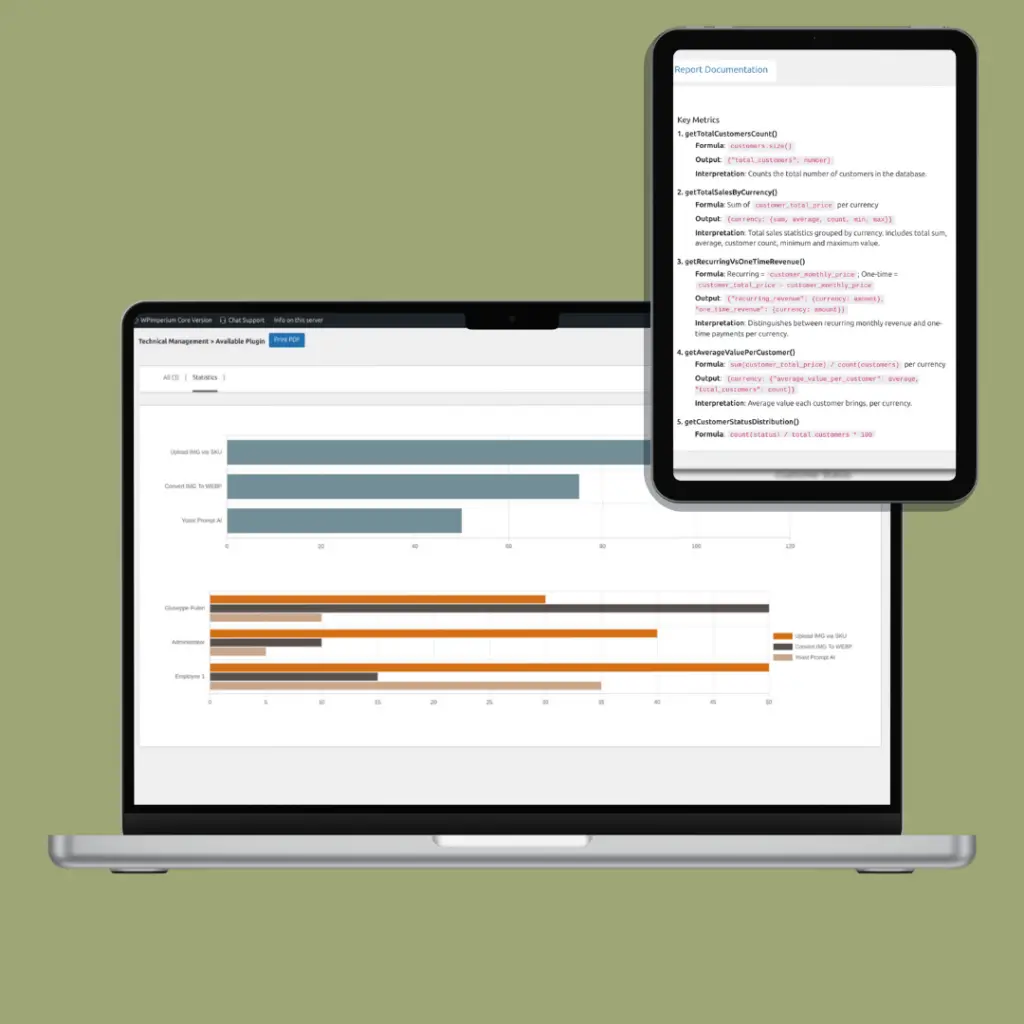
technical management statistics sections

/Statistics

The are more Statistics sections. They provides a consolidated overview of customers, revenue, and sales performance, transforming stored data into clear business insights.

It includes:

  • Total websites and status distribution
  • Active vs inactive plugins and acquisition trends
  • Google analysis
  • Average customer value, ARPU, and CLTV estimates
  • Conversion rate, closure rate, and average deal closure time
  • Security metrics
  • Cache and Redis or Other memory statistics

All metrics are documentated. For heavy calculations we want speed and efficiency, so they are written in C++.

Torna in alto