WPImperium

User Roles

WPImperium can be used by both large structured companies and individual freelancers thanks to its modular architecture.

The platform defines three main user roles, each with distinct access permissions and responsibilities. This separation ensures a clear division of tasks and maintains data integrity, while allowing flexibility in team management.

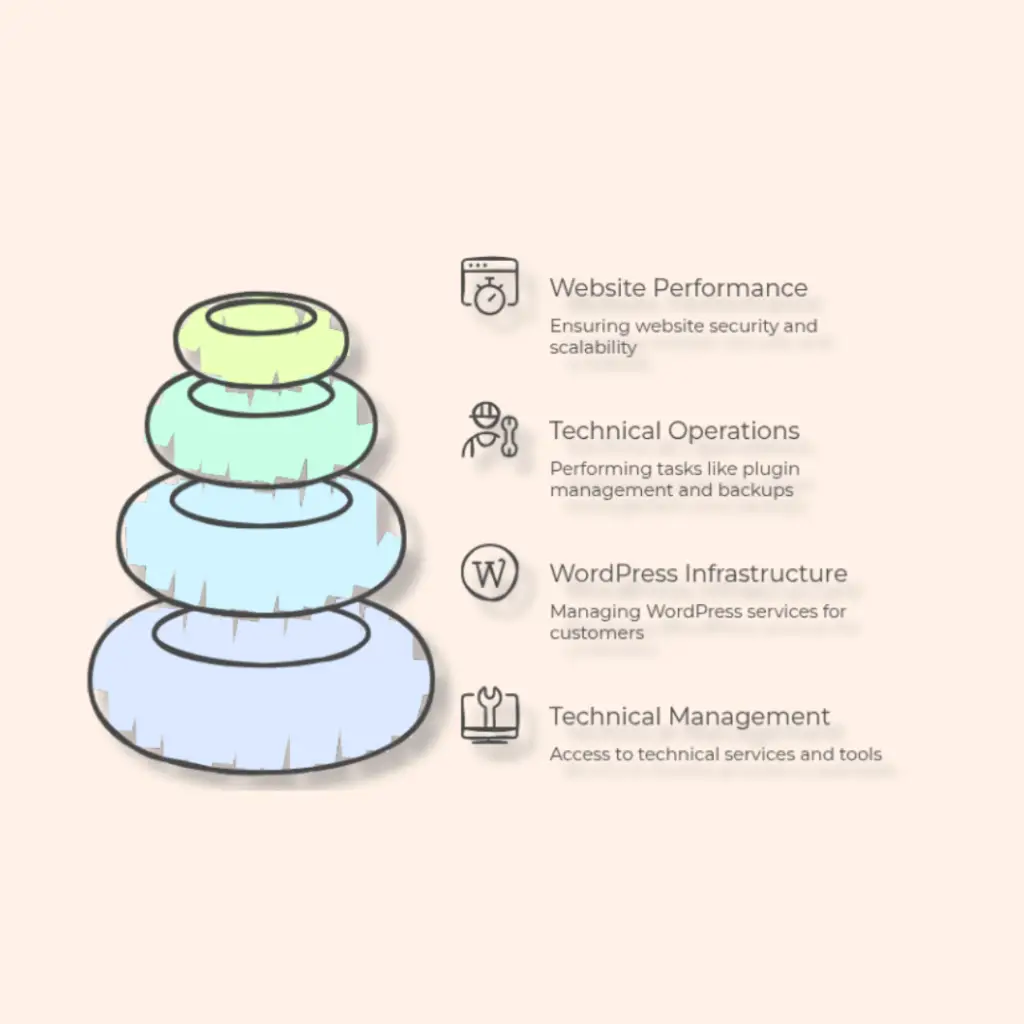
User role Developer infographics, diagrams, mind maps, flowcharts, data charts

Purpose:
Developers focus on technical operations, allowing sellers and admins to manage business and administrative tasks separately.

Developers

Role Overview:
Developers, as shown in the image on the right, have access only to the Technical Management section.

Responsibilities include:

  • Managing WordPress infrastructure and services for clients
  • Performing technical operations such as plugin management, Redis cache control, backups, and updates
  • Ensuring website performance, security, and scalability

Key Access:

  • Technical Management (CRUD on technical services, bulk plugins, Redis cache, backups and updates)
  • Cannot access customer financials or staff management

Sellers

Role Overview:
Sellers are responsible for the commercial and customer-facing side of the platform. They have access to Customer Management.

Responsibilities include:

  • Adding and managing customers
  • Viewing customer profiles, contracts, and billing details
  • Generating quotes and email marketing campaigns
  • Tracking customer payments and financial statistics

Key Access:

  • Customer Management (CRUD on customers, payments, quotes, email marketing, statistics)
  • Cannot modify technical configurations or staff management
User role Seller infographics, diagrams, mind maps, flowcharts, data charts


Purpose:
Sellers focus on business growth and customer relations, leaving technical and system management to developers and admins.

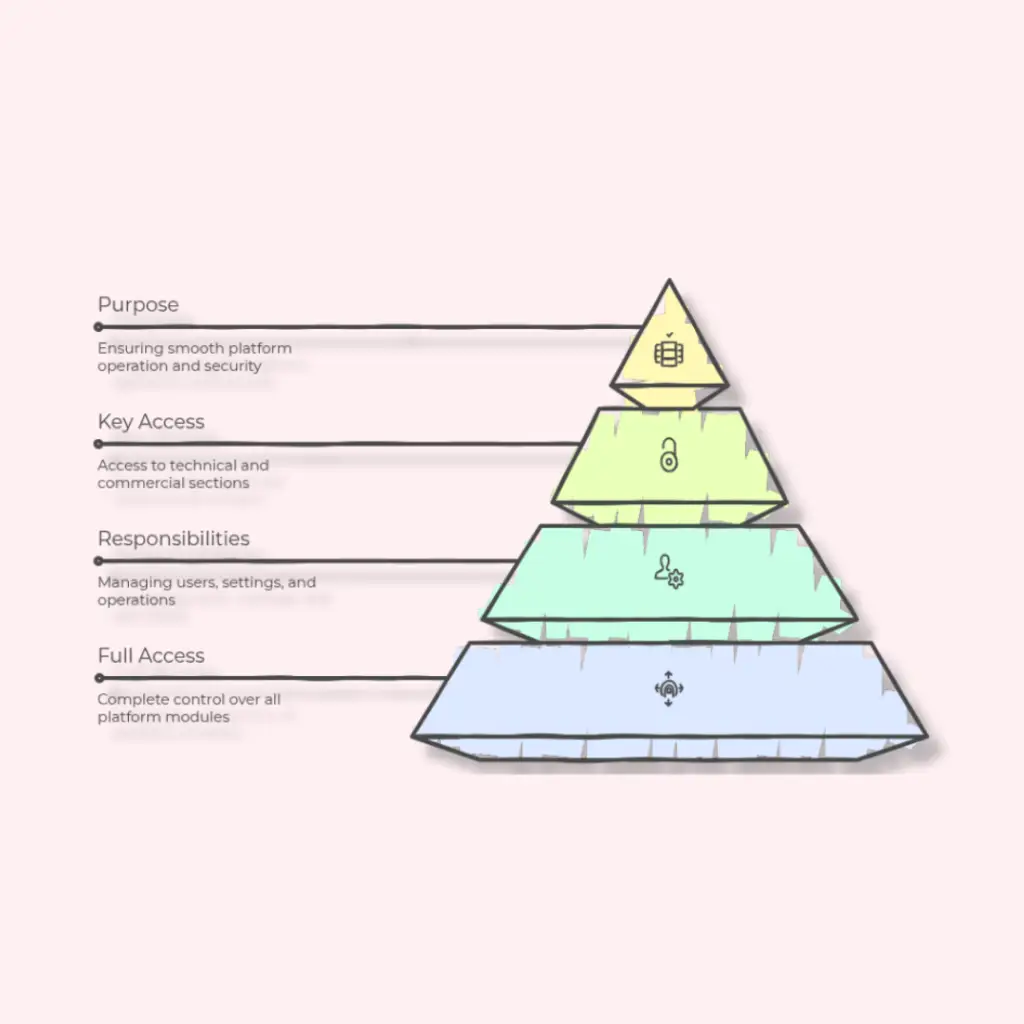
User role admin infographics, diagrams, mind maps, flowcharts, data charts


Purpose:
Admins provide full oversight and management, ensuring that the platform operates smoothly across all modules and roles.

Admin

Role Overview:
Admins have full access to the platform and can manage all modules.

Responsibilities include:

  • Adding, editing, or removing users
  • Configuring platform settings (company logo, templates, default configurations)
  • Monitoring and controlling both technical and commercial operations
  • Overseeing backups, file management, and security

Key Access:

Torna in alto